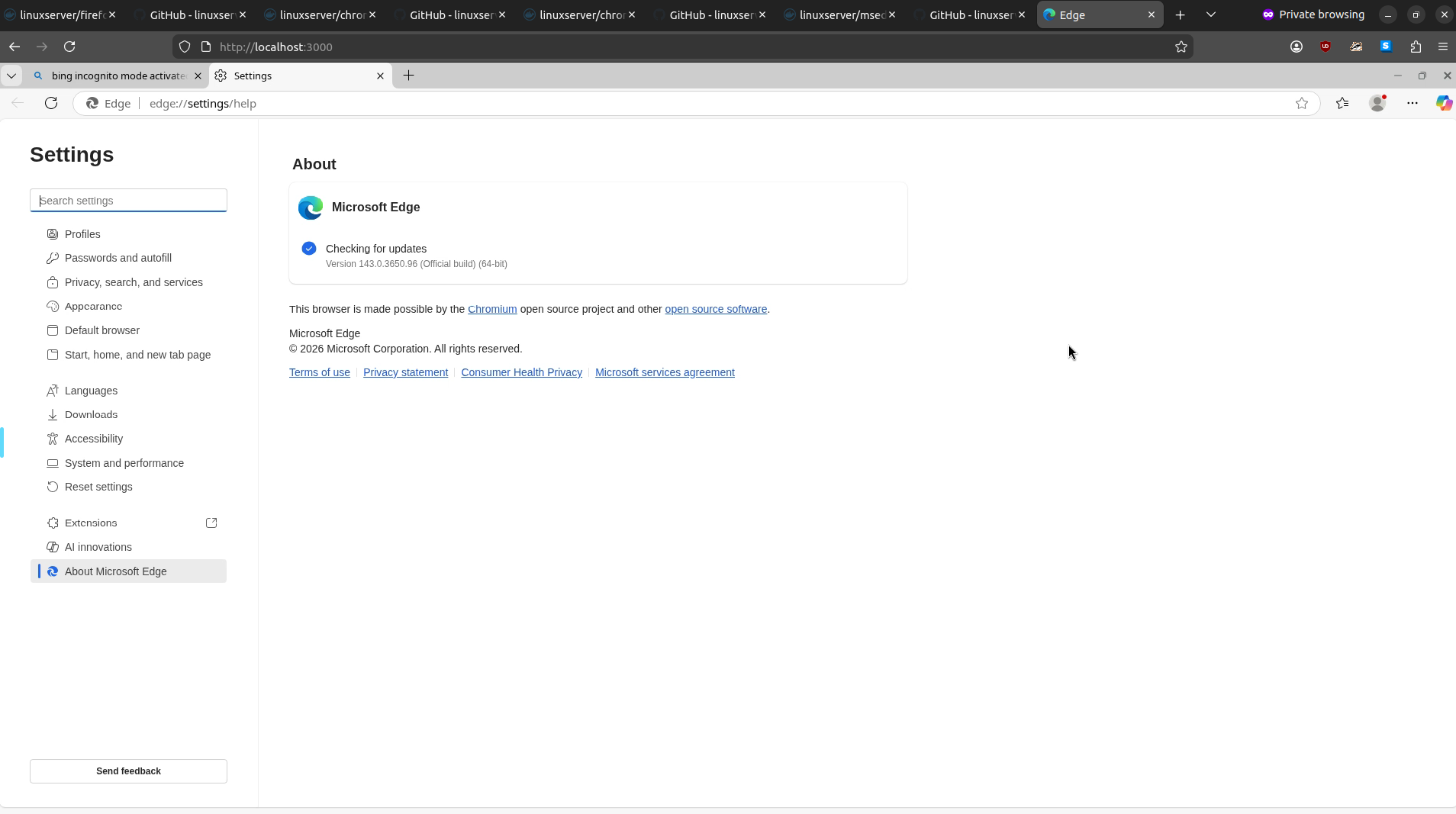
How to spin up any Web Browser version via Docker
“Works on my machine ¯\(ツ)/¯”.
Well, if it is a browser issue, we can spin up Docker containers to test any web browser without trashing our local environment nor firing up VMs.
I am testing this in an old machine (Ubuntu 20.04 Focal). You might have to tweak the commands: for example in newer versions you should not need --security-opt seccomp=unconfined.
Once you spin up the containers just go to http://localhost:3000 or to https://localhost:3001.
You can spin up the containers without the volumes (-v), but if you do, remember to clean afterwards.
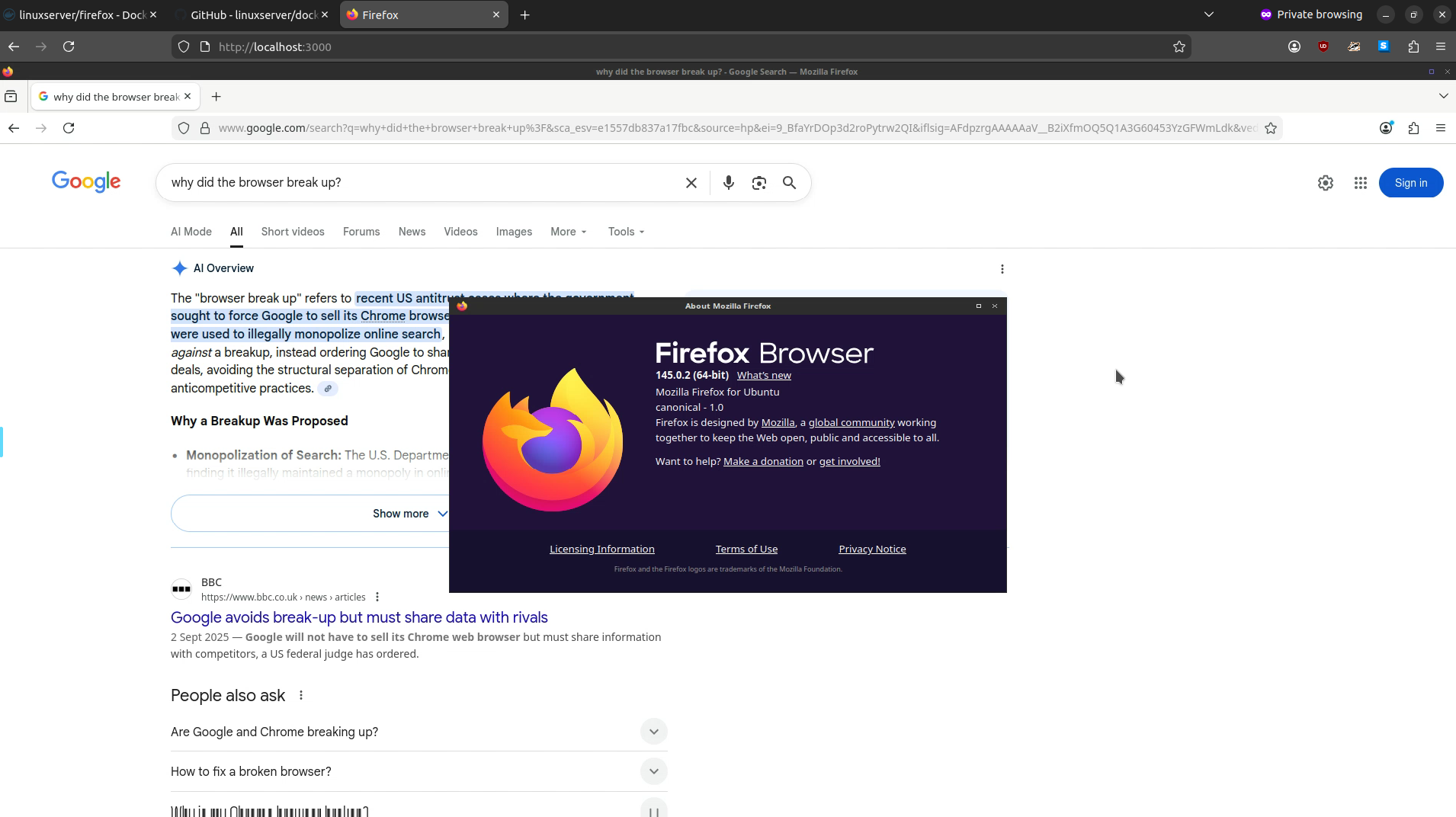
Firefox
docker run --rm -d \
  --name=ff-145 \
  --security-opt seccomp=unconfined  \
  -e PUID=$(id -u) \
  -e PGID=$(id -g) \
  -e TZ=Europe/Berlin \
  -p 3000:3000 \
  -p 3001:3001 \
  -v $HOME/docker/ff-145:/config \
  --shm-size="1gb" \
  lscr.io/linuxserver/firefox:1145.0.2
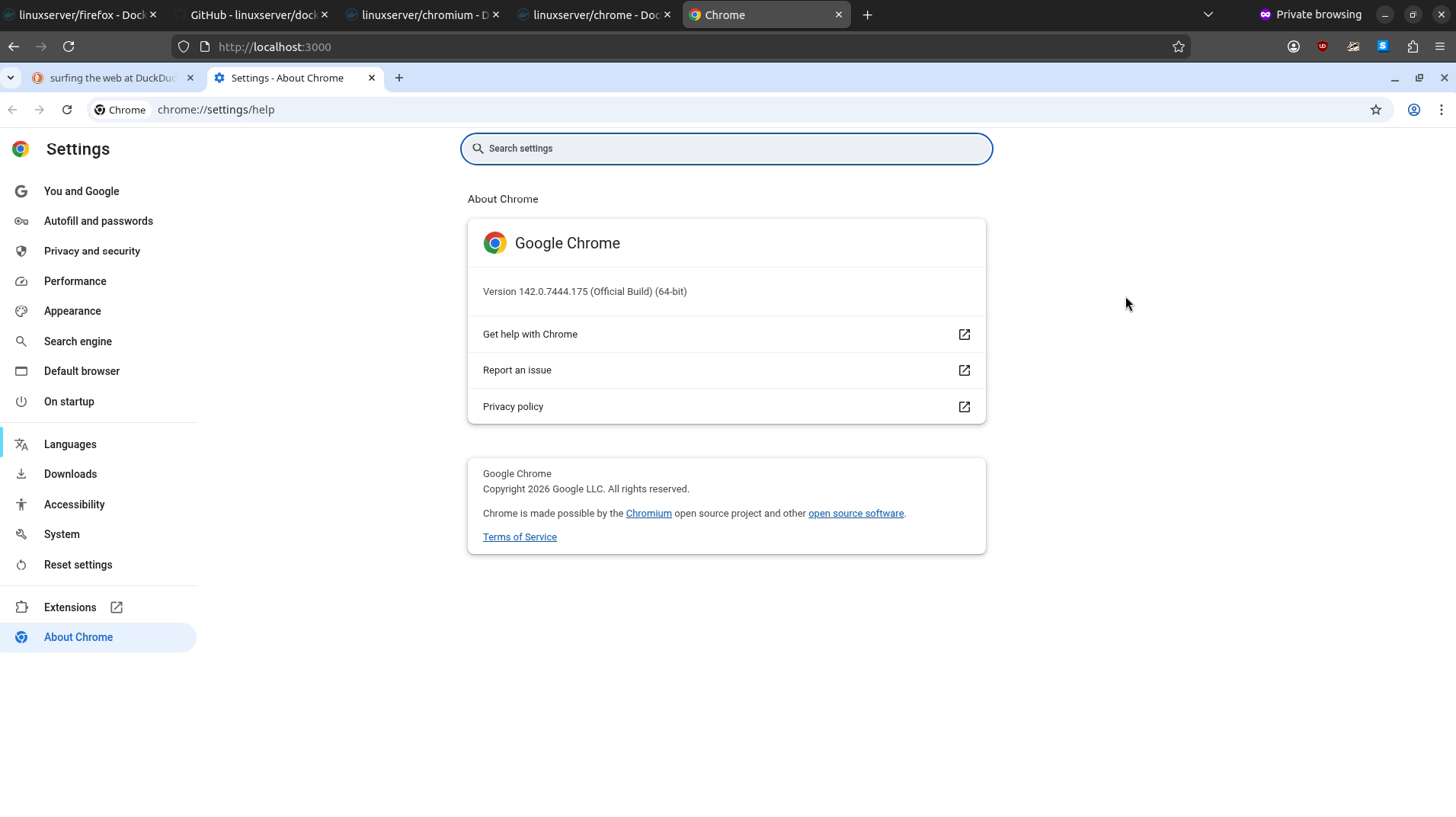
Chrome
docker run --rm -d \
  --name=chrome-142 \
  --security-opt seccomp=unconfined \
  -e PUID=$(id -u) \
  -e PGID=$(id -g) \
  -e TZ=Europe/Berlin \
  -p 3000:3000 \
  -p 3001:3001 \
  -v $HOME/docker/chrome-142:/config \
  --shm-size="1gb" \
  lscr.io/linuxserver/chrome:142.0.7444
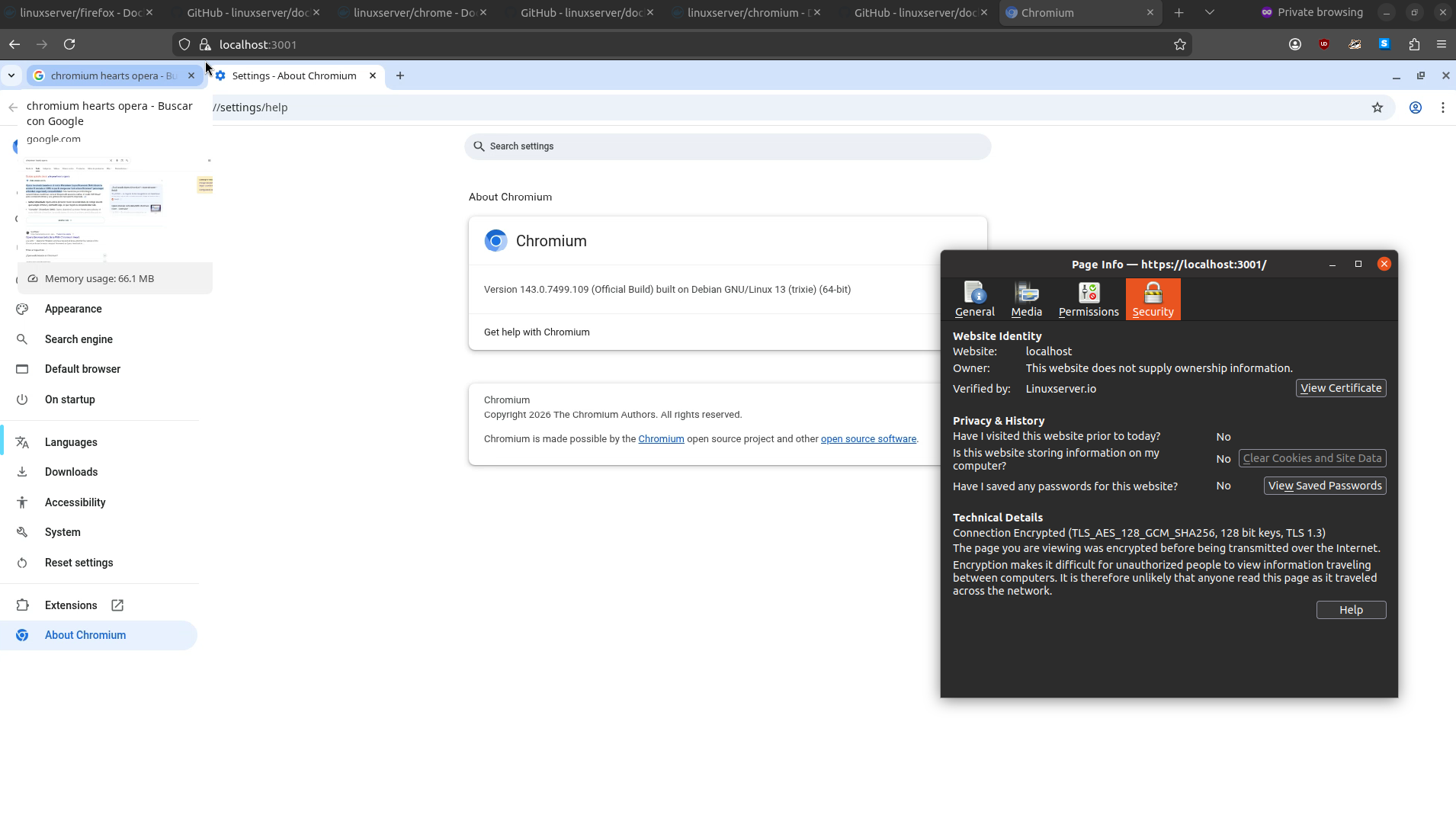
Chromium
docker run --rm -d \
  --name=chromium-version-3778308c \
  --security-opt seccomp=unconfined \
  -e PUID=$(id -u) \
  -e PGID=$(id -g) \
  -e TZ=Europe/Berlin \
  -p 3000:3000 \
  -p 3001:3001 \
  -v $HOME/docker/chromium-version-3778308c:/config \
  --shm-size="1gb" \
  lscr.io/linuxserver/chromium:version-3778308c
Edge
docker run --rm -d \
  --name=mesdge-143 \
  --security-opt seccomp=unconfined \
  -e PUID=$(id -u) \
  -e PGID=$(id -g) \
  -e TZ=Europe/Berlin \
  -p 3000:3000 \
  -p 3001:3001 \
  -v $HOME/docker/msedge-143:/config \
  --shm-size="1gb" \
  lscr.io/linuxserver/msedge:143.0.3650