nvidia-container-toolkit - CDI (Container Device Interface)
There was an issue with Nvidia that has been lingering for years:
- It existed in the deprecated
nvidia-docker: https://github.com/NVIDIA/nvidia-docker/issues/1730 - Then it was inherited into
nvidia-container-toolkit: https://github.com/NVIDIA/nvidia-container-toolkit/issues/48 - Then the issue became a discussion: https://github.com/NVIDIA/nvidia-container-toolkit/discussions/1133
- And then it became part of the documentation:
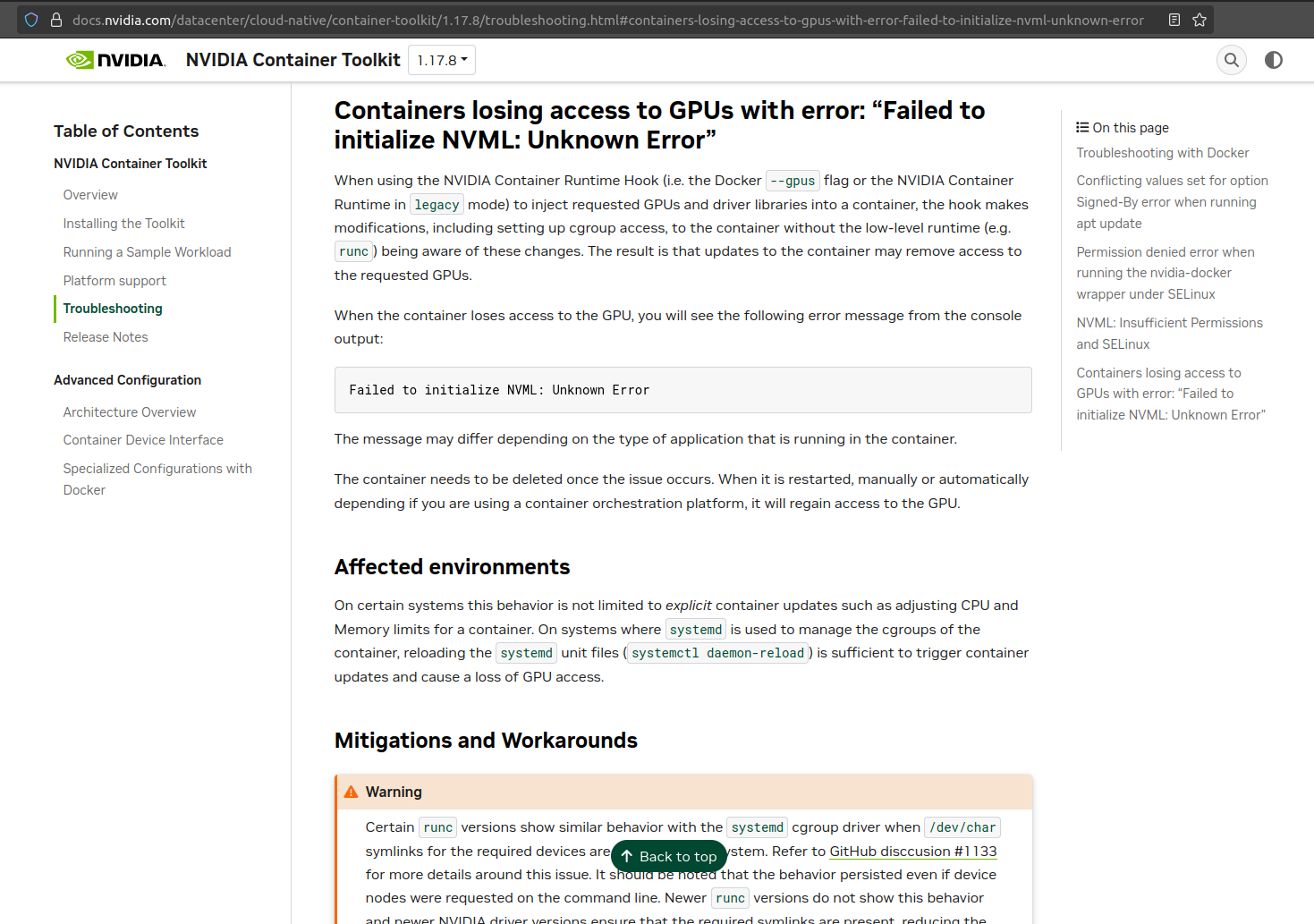
As is documented in many places, all you had to do to reproduce the issue is docker run -d --rm --gpus=all nvidia/cuda bash -c "while [ true ]; do nvidia-smi -L; sleep 10; done" and then run sudo systemctl daemon-reload.
If you go and look in the container logs (docker logs <container_id>), you’ll see that the GPU is no longer detected.
Enter the new specification CDI (Container Device Interface): https://github.com/cncf-tags/container-device-interface.
The workaround would be to:
- Use nvidia as the default runtime.
- Swith the nvidia runtime to cdi instead of the oci hooks.
- Generate the cdi spec. This can be done with a systemd unit that runs on boot (just in case you change the GPU).
EKS introduced this in version 1.32. See https://github.com/awslabs/amazon-eks-ami/pull/2173 and https://github.com/awslabs/amazon-eks-ami/releases/tag/v20250317.
ECS will have it working soon as per their comment: https://github.com/aws/amazon-ecs-ami/pull/541#issuecomment-3357380221.
Yesterday (2025/10/21), nvidia-container-toolkit v1.18.0 was released (https://github.com/NVIDIA/nvidia-container-toolkit/releases/tag/v1.18.0). It takes care of CDI in a seamless way.
So if you never had to deal with these issues, you won’t even have to do anything, nor need to know that it’s using CDI.