Vault for Secrets Management
Today we will set up Vault for secrets management.
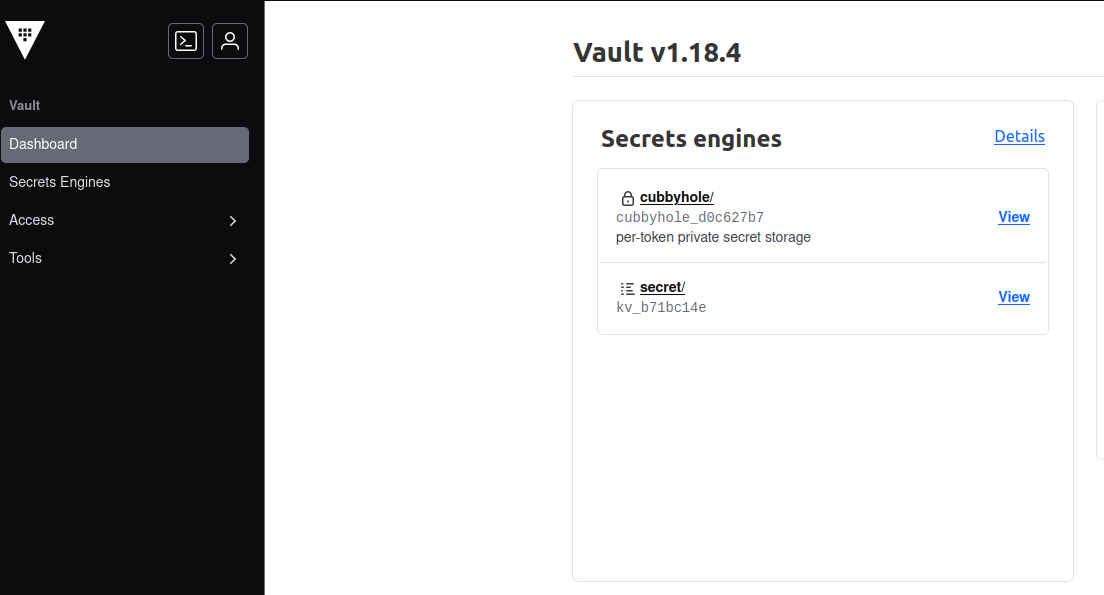
I will keep this article very short as the setup is very similar to the one we used for Consul in the previous post.
1. Why?
We should not store our secrets in Consul.
The objective is to improve our security posture, streamline operations, and reduce the risk of credential compromise.
2. Choosing a Secrets Management platform
If we were on AWS we would use Secrets Manager.
For our self-hosted and on-prem environment, we will go with Hashicorp’s Vault.
3. Set up
The setup is very similar to the one we used for previous components.
The code can be found here: https://github.com/k-candidate/tf-vault.
The only hiccup I had to troubleshoot was persisting the data. That was due to the docker image’s UID and GID: https://github.com/hashicorp/vault/issues/20953.
4. How to use
The deployment is similar to other components we made. You can read previous posts for more details.
Once it is deployed, to create a secret, we can use the UI or the API:
curl \
    --header "X-Vault-Token: ${WRITE-TOKEN}" \
    --request POST \
    --data '{"data": {"username": "lambdauser", “password”: “Pwd”}}' \
    http://${URL}:8200/v1/secret/data/env/component/param
This command creates 2 secrets (username, and password) under the path env/component/param.
To retrieve the secrets:
curl \
    --header "X-Vault-Token: ${READ-TOKEN}" \
    --request GET \
    http://${URL}:8200/v1/secret/data/env/component/param
5. Conclusion
With a secrets management platform, we’re one step closer to having a secure and automated deployment pipeline.
This is it for today.
Privacy-First Subscription
Receive a notification in your inbox whenever I publish a new post. This is a reader-focused subscription loop built for absolute privacy: you stay in control, and I do not see, track, or collect your email address.
Follow via FeedRabbit